Create the event
Choose the event size, submit the request, and complete approval through WhatsApp.
 MinaNawe
Book Event
Now live for event organizers
MinaNawe
Book Event
Now live for event organizers
Event photos, finally in one place
Every guest can help capture the moment. Organizers create one event QR code, guests scan and upload, and every photo lands in one shared gallery ready to view, download, and share.
Packages start from P250.
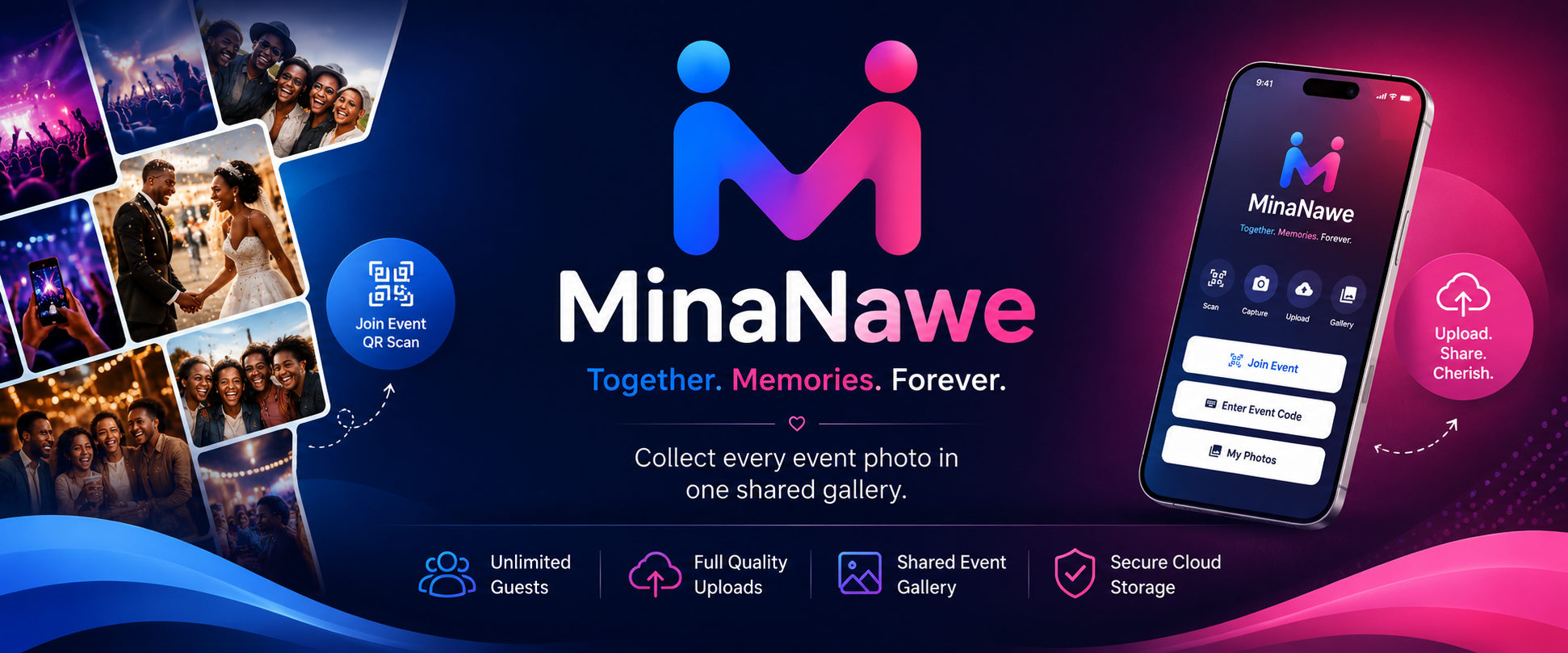
Together. Memories. Forever.
Live event
How it works
Choose the event size, submit the request, and complete approval through WhatsApp.
Print it, display it at the venue, or send it to selected scanners before the event.
Scanners accept the terms, join the event, capture, and upload into the shared gallery.
After the event, share the gallery link, gallery QR, or download all photos as one ZIP.
Who it is for
Let trusted guests collect candid photos while the official photographer focuses on the main moments.
Assign scanners, keep the gallery organized, and share one polished collection after the event.
Guests scan once, capture freely, and the organizer receives everything in one shared gallery.
Use rotating scanner slots for busy crowds and keep uploads flowing even when people change roles.
For organizers
Organizers can request events, manage QR codes, switch scanner modes, block devices, download galleries, and share photos from the admin portal.
Book your event
Send your event name, date, expected crowd size, and package choice. We will confirm approval, payment, and the QR code setup through WhatsApp.
Packages
Small Event
Up to 7 active scanners, 300 photos, 30 days storage.
Moderate Event
Up to 20 active scanners, 1,000 photos, 60 days storage.
Large Event
21+ scanners, custom limits, 90 days storage, quoted by crowd size.
Each package includes a 48-hour capture window. Gallery storage and download access follow the selected package.
Corporate events
For brand launches, conferences, awards nights, and activations, MinaNawe works best with a few dedicated scanners using strong phones, good lighting, and clear upload roles.
App download
Download the Android app, install it on your phone, then scan or enter an approved event code.
Android app available now. iPhone access is arranged directly for supported event teams.
Guests accept terms before joining, and the backend enforces the accepted version.
Manage scanner slots, block devices, and share galleries from one admin portal.
Use dedicated scanners, stronger phones, and larger packages for premium events.
Fast answers
Choose Small, Moderate, or Large based on active scanners, photo limits, and gallery storage days.
After approval, the organizer receives the event QR code and event code for selected scanners.
If internet drops after joining, the app queues uploads and sends them when connection returns.
Android is available now. iPhone access is handled directly for supported event teams.
Questions organizers ask first
Guests scan the event QR code or enter the event code in the app. Once approved, they can capture photos into the shared gallery.
The organizer receives the event QR code after approval. It can be printed, shown on a screen, or sent to selected scanners.
The organizer can use rotating mode, disconnect inactive scanners, or block devices from the admin portal.
The app queues uploads while connection is poor, then sends them when internet is available again.
Organizers can share the gallery link, gallery QR code, or download all photos as one ZIP file.
Create an event request, then complete payment and approval through WhatsApp on +267 71 529 240.